Key Takeaways
- Strategic Lighting: Prioritizing natural light and layered task lighting significantly reduces digital eye strain and boosts circadian rhythm.
- Lumbar Support is Non-Negotiable: Maintaining the spine’s natural "S-Curve" with a dedicated ergonomic chair prevents long-term musculoskeletal issues.
- Eye-Level Alignment: Elevating your monitor to eye level is the single most effective way to eliminate "laptop neck."
- Systemic Design: Modular and flexible workspace components reduce equipment turnover by 40% over time.
- Movement as Maintenance: Integrating a "micro-break" system is essential for sustained focus and metabolic health in a remote work environment.
We’ve all been there: the "temporary" setup at the kitchen island that somehow became a permanent workstation, or the dining table chair that feels fine at 9:00 AM but becomes an instrument of torture by 3:00 PM. In the early days of remote work, we improvised. But as we move toward the 2026 productivity standard, the "make-do" era is officially over. Today, your home office isn't just a room; it’s a high-performance engine for your career. Recent 2026 market analysis indicates that a staggering 85% of high-performing remote professionals attribute their sustained focus and output to a dedicated, ergonomic workspace rather than a shared living area.
When you work from home, you are the CEO, the IT team, and—most importantly—the ergonomics department. The goal is what experts call "Neutral Posture": a state where your body is aligned and supported, allowing you to work without paying a physical price. Transforming your space doesn't require a total renovation, but it does require a systemic shift in how you view your tools.
Hack 1: Prioritize Natural Light and Adjustable Task Lighting
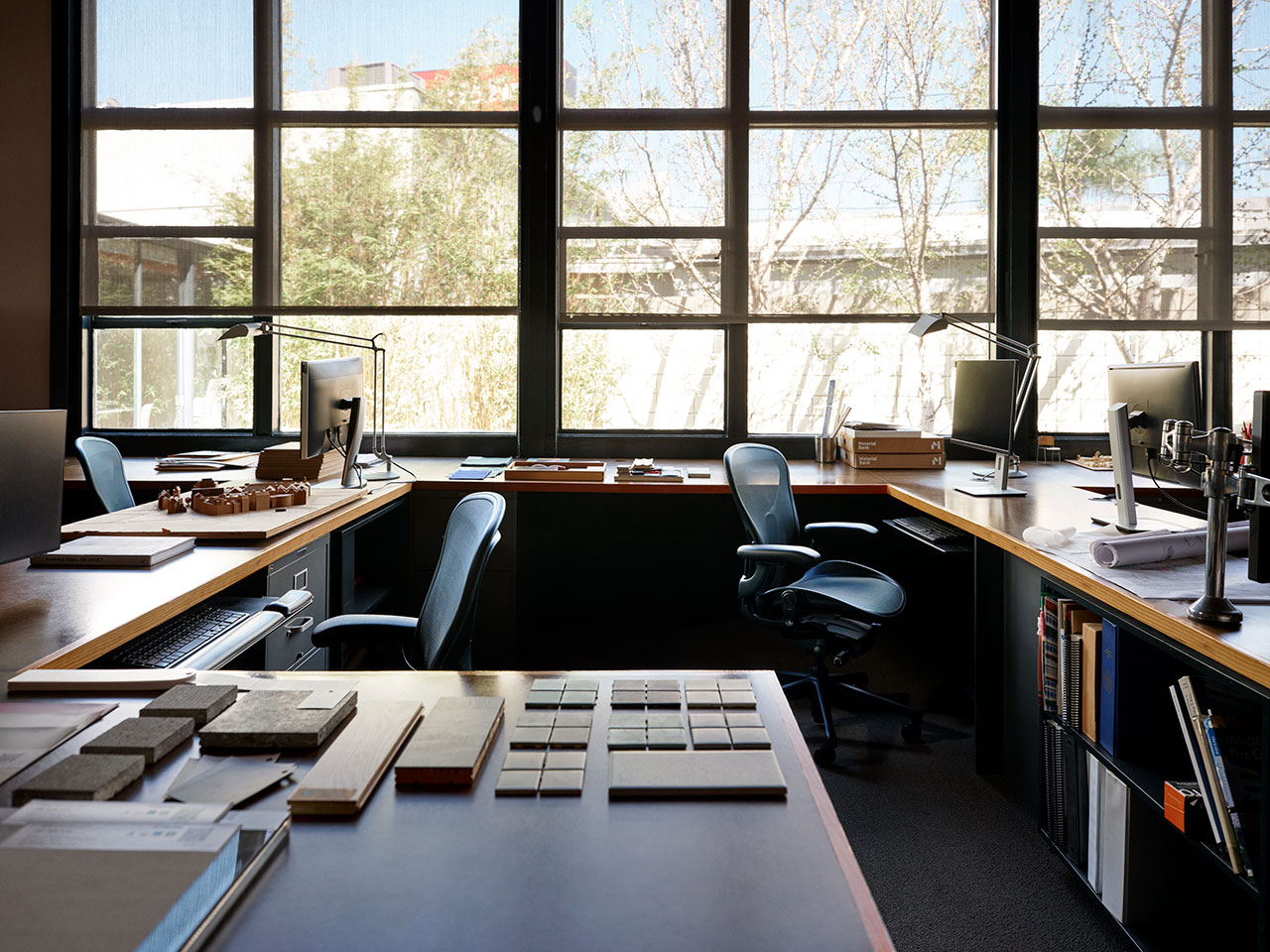
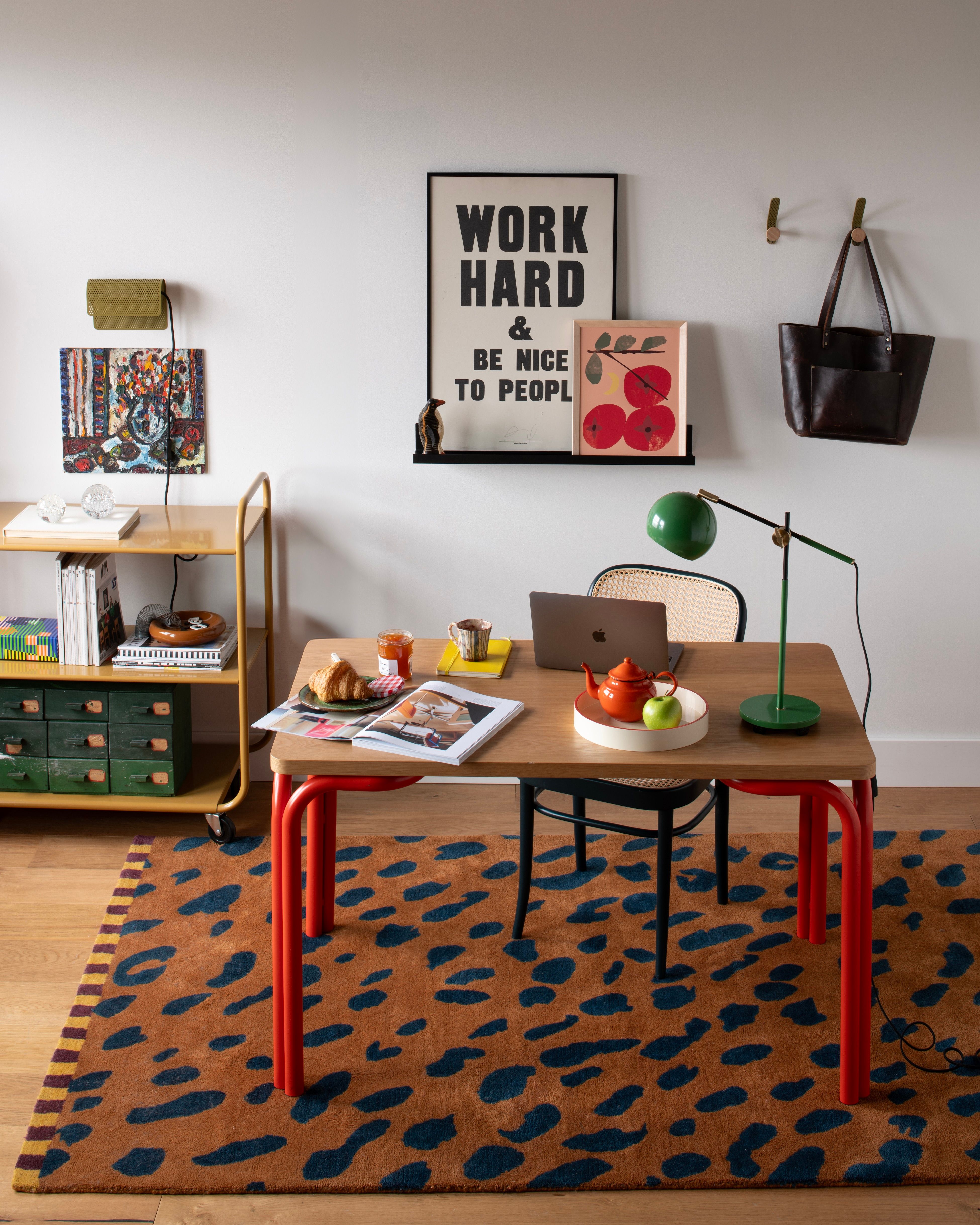
In the 2026 workspace, we’ve moved past the "interrogation room" aesthetic. Overhead fluorescent lighting is one of the biggest contributors to headaches and eye fatigue in home offices. Instead, the first step to a high-performance setup is harnessing natural light. Position your desk perpendicular to a window; this provides the mood-boosting benefits of Vitamin D and a connection to the outside world without the screen glare that comes from sitting directly in front of or behind a light source.
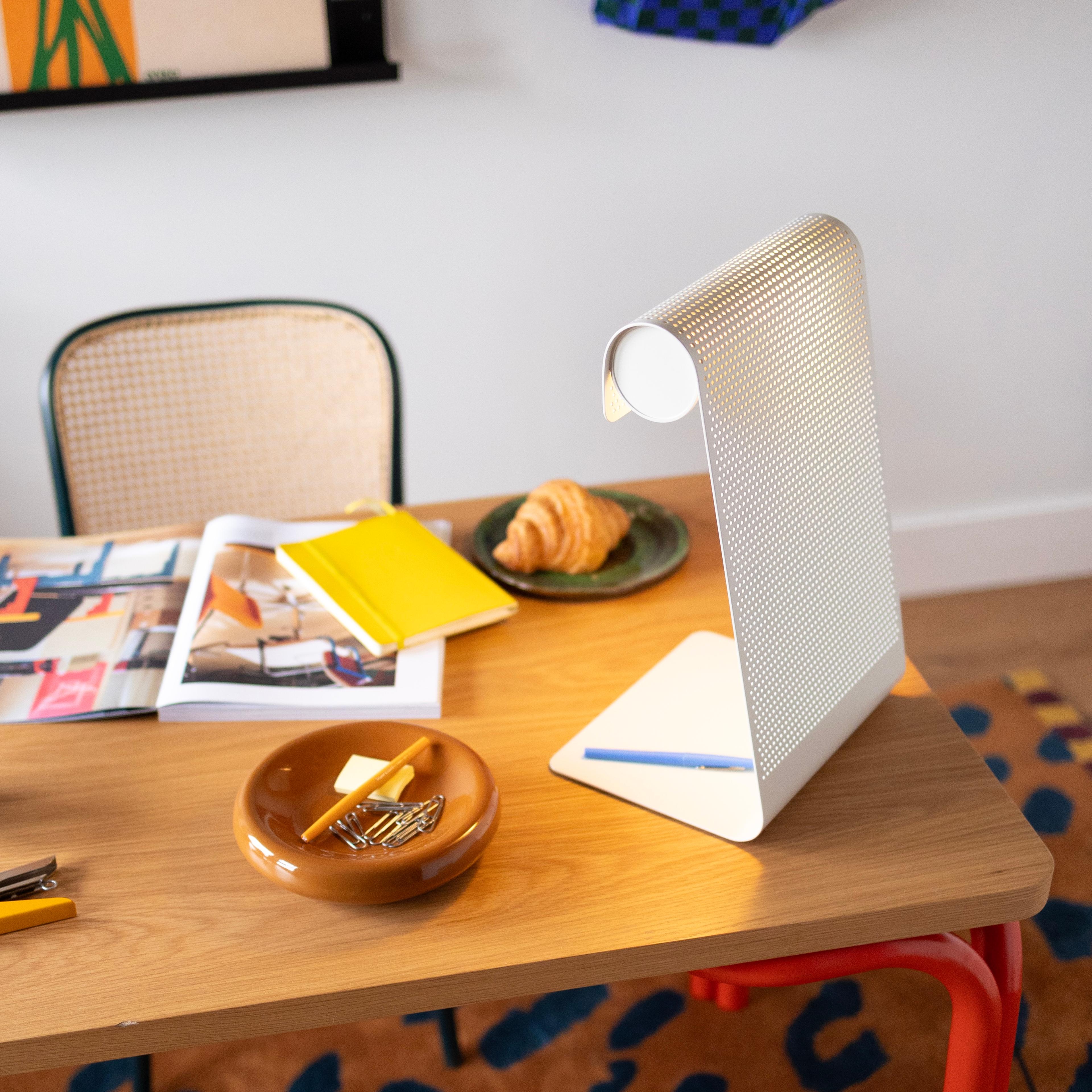
However, natural light is inconsistent. This is where adjustable task lighting becomes your greatest ally. By using a dedicated lamp with a flexible arm and dimmable color temperatures, you can direct light exactly where you need it—on your physical documents or your keyboard—rather than flooding the entire room. This reduces the contrast between your bright screen and a dark room, which is a primary cause of eye strain.
The Layered Lighting Checklist:
- Ambient Light: Soft, indirect light (like a floor lamp with a warm bulb) to fill the room.
- Task Light: A focused, adjustable LED lamp for high-concentration work.
- Accent Light: Subtle lighting behind your monitor (bias lighting) to reduce the intensity of the screen’s glow.
Hack 2: Invest in Systemic Lumbar Support
If you take nothing else from this guide, remember this: your spine is shaped like an "S," not a "C." Most standard dining or accent chairs force the lower back to flatten against the seat back, causing the "S-curve" to collapse. This leads to immediate muscle soreness and long-term posture issues that can plague your remote work career.
Lumbar support is critical because it fills the gap between the lumbar spine and the chair, maintaining the natural inward curve of the lower back. This support offloads the weight from your spinal discs and places it on the chair. Adopting a flexible, high-quality seating system doesn't just feel better; it’s a smart financial move. Data shows that investing in modular, ergonomic systems reduces office equipment turnover by 40%, as these components adapt to your body and technology far better than "fast furniture."
| Feature | Branch Ergonomic Pro | Herman Miller Aeron | Budget Ergonomic Alternative |
|---|---|---|---|
| Lumbar Support | Dynamic, 14 points of adjustment | Adjustable PostureFit SL | Fixed or basic height adjustment |
| Material | High-density Italian mesh | 8Z Pellicle breathable mesh | Standard foam and fabric |
| Best For | All-day comfort & versatility | Iconic design & durability | Occasional use (4-5 hours) |
| Adjustability | 3D Armrests, Seat Depth, Tilt | Fully adjustable tilt & arms | Height and tilt tension only |
Hack 3: The 'Eye-Level' Monitor Rule
Symptom: Persistent Neck Tension or "Laptop Neck"
Solution: Elevate Your View to the Horizon
The human head weighs about 10–12 pounds. However, when you lean forward 45 degrees to look down at a laptop screen, the effective weight on your neck increases to nearly 50 pounds. This is the root of "Laptop Neck." To fix this, your monitor height must be adjusted so that your eyes land naturally on the top third of the screen when looking straight ahead.
If you are using a laptop as your primary screen, you must use a laptop stand or a stack of sturdy books to raise it, coupled with an external keyboard and mouse. For those with a dual-monitor setup, the 2026 standard suggests a "V-Shape" alignment. Rather than having one monitor off to the far side, angle both screens slightly inward so your neck rotation is minimized.
The Arm’s Length Rule:
- Extend your arm toward your screen. Your middle finger should just barely touch the glass.
- If the screen is further away, you'll subconsciously lean forward (the "turtle" posture).
- If it's too close, your eyes will work overtime to focus, leading to fatigue.
Hack 4: Master the Neutral Wrist Position
Symptom: Tingling in Fingers or Forearm Fatigue
Solution: Transition to Vertical or Negative-Tilt Input
Most people use a traditional mouse and a keyboard with the little "feet" popped out at the back. Ergonomically, both are mistakes. Popping the feet out on a keyboard creates a "positive tilt," forcing your wrists to bend upward (extension), which constricts the carpal tunnel. Instead, aim for a flat or even a "negative tilt," where the keyboard slopes away from you, keeping your wrists perfectly straight.
Similarly, a traditional mouse forces your forearm to twist flat against the desk. Mastering a neutral wrist position often involves switching to a vertical mouse, which allows your hand to rest in a "handshake" position. This simple hack reduces the strain on the tendons in your forearm and can prevent repetitive strain injuries (RSI) before they start.
Hack 5: Build a 'Micro-Break' System
The most advanced ergonomic chair in the world cannot save you if you remain stationary for eight hours. Movement is maintenance. In a professional office, you walk to conference rooms or the breakroom. At home, you have to engineer those movements into your day.
The "20-20-20 Rule" is your primary tool for eye health: every 20 minutes, look at something 20 feet away for at least 20 seconds. To complement this, I recommend a 5-minute movement routine for every hour of deep focus. This isn't a full workout; it’s a reset for your joints—shoulder rolls, neck stretches, and standing up to reset your hip flexors.
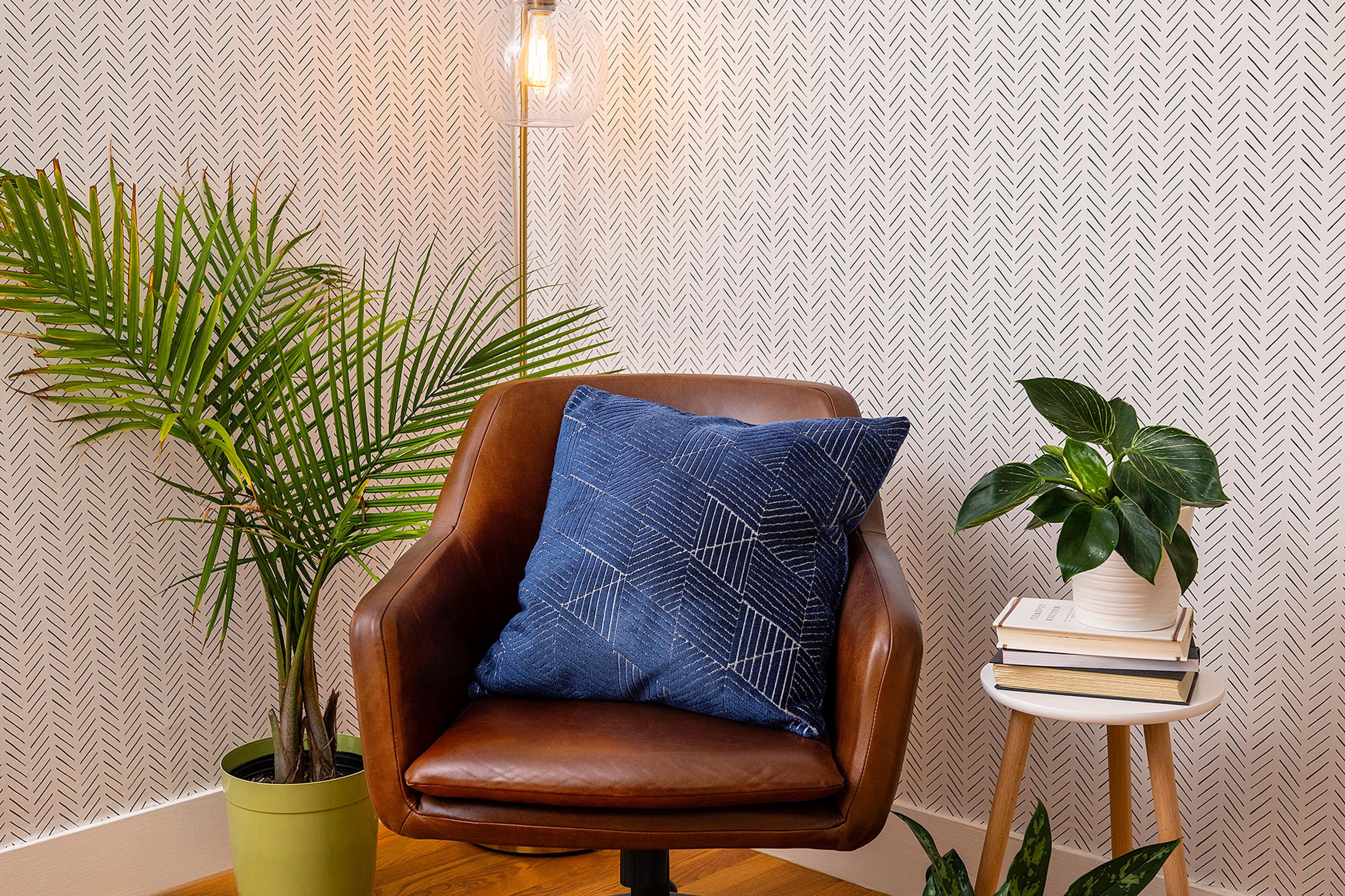
Finally, consider the concept of "Soft Edges." Ergonomics isn't just about hard plastic and metal; it’s about sensory comfort. Using rugs, soft throws, or a secondary "reading chair" in your office can reduce physical and mental fatigue. These elements provide a tactile break from the rigid structure of a desk, making the environment feel more inviting and less like a sterile cubicle.
Summary of 2026 Ergonomic Best Practices
Creating a world-class home office is a marathon, not a sprint. You don't need to replace everything today, but adopting a systemic approach ensures that every upgrade you make contributes to a unified, flexible environment that adapts to your changing work demands.
| Upgrade Level | Budget Friendly | The Professional Investment |
|---|---|---|
| Seating | Add a memory foam lumbar pillow. | High-end ergonomic chair (e.g., Branch). |
| Monitor | Use a stack of books or a basic riser. | Dual monitor arms with gas-spring tension. |
| Lighting | Reposition desk near a window. | Smart LED task lighting with color control. |
| Input | Switch to a flat, tenkeyless keyboard. | Vertical mouse and split ergonomic keyboard. |
FAQ
Q: I have a very small space. Can I still have an ergonomic setup? A: Absolutely. In fact, small spaces benefit most from "flexible workspace design." Look for a compact keyboard to reduce shoulder reach and a monitor arm that clamps to the back of the desk to free up surface area. The "Neutral Posture" rules apply regardless of desk size.
Q: How do I know if my monitor is at the right height if I don't have a stand? A: Sit comfortably in your chair with your back supported. Close your eyes. When you open them, you should be looking directly at the top third of your screen. If you have to tilt your chin up or down, your monitor needs adjustment.
Q: Is a standing desk necessary for good ergonomics? A: While standing desks are excellent for alternating posture, they aren't a "magic bullet." The best posture is your next posture. Whether sitting or standing, the key is movement. A high-quality chair is often a more critical first investment than a standing desk.
Ready to stop the afternoon backaches and level up your WFH game? Start by auditing your current setup against the "Neutral Posture" checklist. Remember, your office should work for you—not the other way around.