Quick Facts
- The Productivity Link: Expert-led ergonomic interventions are proven to increase workplace productivity by up to 15% while reducing musculoskeletal disorder (MSD) risks by over 60%.
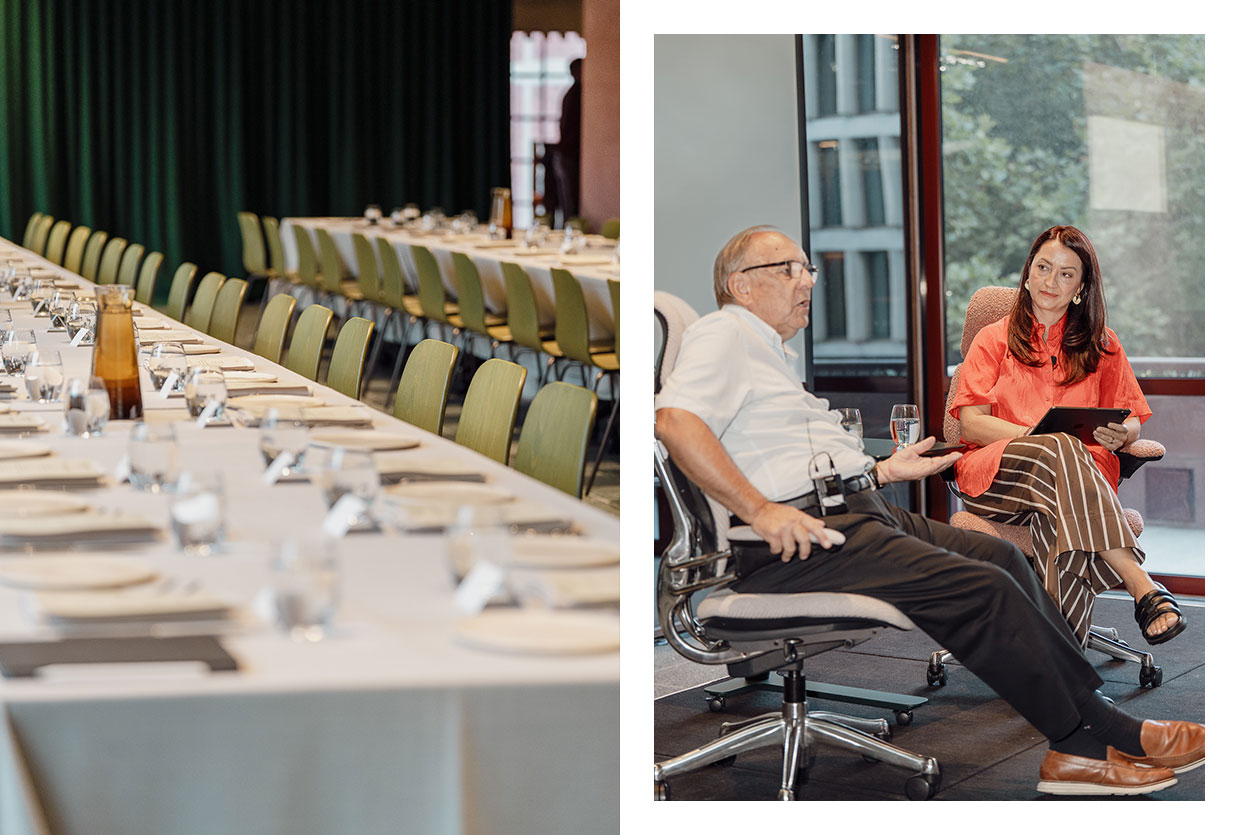
- The Expert Authority: Professor Alan Hedge, a Professor Emeritus at Cornell University, has spent over 30 years refining ergonomics for NASA, the ISO, and Fortune 500 companies.
- Economic Impact: Implementing professional ergonomic solutions directly leads to a significant reduction in employee absenteeism and lower long-term healthcare costs associated with workplace injuries.
- Sustainability Leadership: Humanscale’s Liberty Ocean chair is the first task chair made from approximately 2kg of reclaimed fishing nets, merging human health with planetary health.
- Core Philosophy: "The best posture is the next posture." Movement and variety are the foundations of modern workplace health.
Introduction: The New Standard of Workspace Performance
By 2026, the definition of a high-performance office has shifted. We are no longer simply looking at aesthetics or open-floor plans; we are looking at the workspace as a biological support system. In an era where "work" can happen anywhere from a high-rise in Manhattan to a home studio in the suburbs, the physical toll of sedentary behavior has become a primary concern for HR departments and solo professionals alike. Ergonomics is no longer a luxury "add-on"—it is a fundamental necessity for maintaining cognitive performance and physical longevity.
To understand how to navigate this landscape, we look to the synergy between academic rigor and industrial innovation. Professor Alan Hedge, whose research has shaped everything from NASA’s workspace strategies to global ergonomic standards, has long collaborated with Humanscale to translate complex biomechanical data into tangible tools. According to Professor Hedge, improving workplace ergonomics requires a two-pronged approach: high-quality adjustable furniture and conscious behavioral changes.
The economic benefits of this approach are clear. Organizations that prioritize ergonomic office design see a dramatic return on investment. By optimizing the "human-tool interface," companies experience increased worker productivity, a significant reduction in absenteeism, and a drastic drop in long-term healthcare costs related to repetitive strain injuries.
1. Prioritize Neutral Posture with Intuitive Seating
The foundation of ergonomic health is the "Neutral Body Position." This is the posture where the body is most aligned and least stressed, minimizing the load on muscles, tendons, and the skeletal system. When we deviate from this—by slouching, leaning forward, or perching—we invite musculoskeletal disorders (MSDs) that can lead to chronic pain.
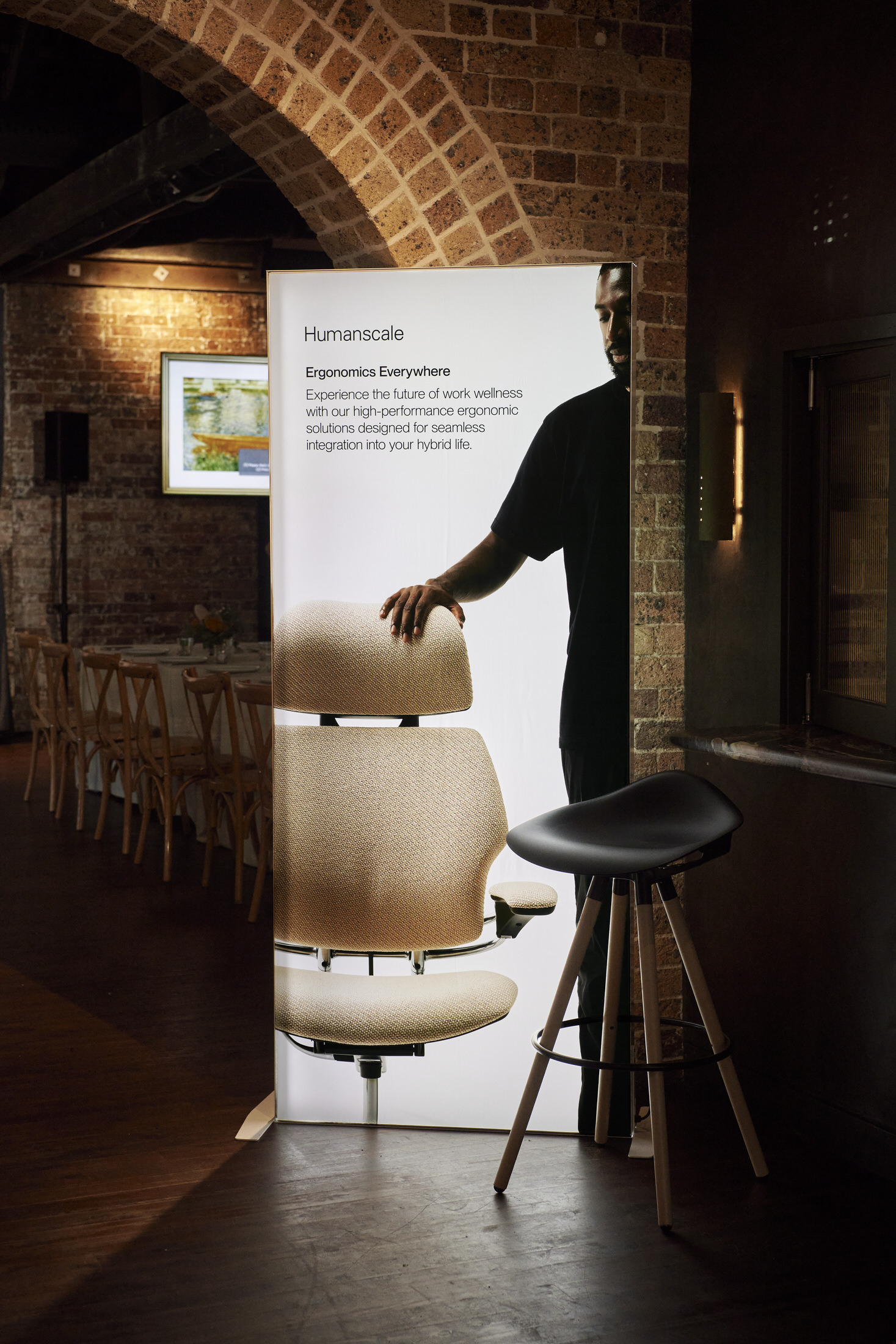
Professor Hedge emphasizes that traditional office chairs often fail because they are too complex. If a chair has a dozen manual knobs, most users will never adjust it correctly. This is where Humanscale’s philosophy of "Passive Ergonomics" changes the game.
Why Intuitive Recline Matters:
- Weight-Sensitive Mechanism: Instead of manual tension knobs, chairs like the Humanscale Freedom and Trea utilize a weight-sensitive recline. The chair automatically adjusts its tension based on the user's body weight.
- Continuous Support: As you move from an upright tasking position to a reclined thinking position, the chair maintains constant support for your lumbar region and neck.
- The Freedom Headrest: Specifically designed to move with the user, the Freedom Headrest cradles the head and neck during recline, keeping the eyes level with the monitor and preventing "tech-neck."
Pro-Tip from Professor Hedge: "Your chair should be a shadow of your body. If you have to fight your furniture to get comfortable, the furniture has already failed you. Look for seating that responds to you, rather than requiring a manual to operate."
2. Master the Art of Posture Variability
One of the most persistent myths in office design is that there is one "perfect" way to sit. In reality, Professor Hedge argues that "the next posture is the best posture." Static loads—staying in any single position for too long—lead to muscle fatigue and reduced blood circulation.
Modern office design in 2026 focuses on "Posture Variability." This involves a mix of sitting, standing, and active movement. Transitions between these states don't just help with calorie expenditure; they increase mental alertness by boosting oxygen flow to the brain.
Integrating Movement into the Routine:
- Sit-to-Stand Transitions: Utilizing height-adjustable workstations allows for seamless transitions. However, the key is frequency, not duration. Don't stand for four hours; instead, switch every 30 to 60 minutes.
- Compact Solutions: For the modern hybrid worker, the Humanscale Float Mini provides a compact, height-adjustable surface that fits into smaller home offices while providing the same industrial-grade stability as full-sized desks.
- Active Perching: For collaborative sessions, stools like the Sedeo encourage a "perch" position, which opens up the hip angle and encourages a more active core engagement compared to traditional sitting.

3. Optimize the Visual Field and Input Height
Neck and shoulder pain are rarely just about the chair; they are often the result of poor monitor and keyboard placement. Professor Hedge’s research shows that the human eye is most comfortable when looking slightly downward (about 20-30 degrees). If your monitor is too low, you slouch; if it’s too high, you tilt your head back, compressing the cervical spine.
The "Arm's Length" Rule and Beyond:
- Monitor Depth: The screen should be roughly an arm's length away. This reduces eye strain and prevents the user from "leaning in" to read small text.
- Monitor Height: The top line of text on your screen should be at or slightly below eye level. Using a monitor arm is the most effective way to achieve this, as it allows for micro-adjustments throughout the day.
- Keyboard and Mouse Positioning: These should be at a height that allows your shoulders to remain relaxed and your wrists to stay straight (neutral). A keyboard tray is often superior to placing tools on the desk surface because it allows for a "negative tilt," which keeps the wrists in their most natural, unstressed state.
By following these guidelines, which are backed by Professor Hedge's 30+ years of research in workplace strategy, you eliminate the primary triggers for upper-body tension.
4. Integrate Behavioral Micro-Breaks
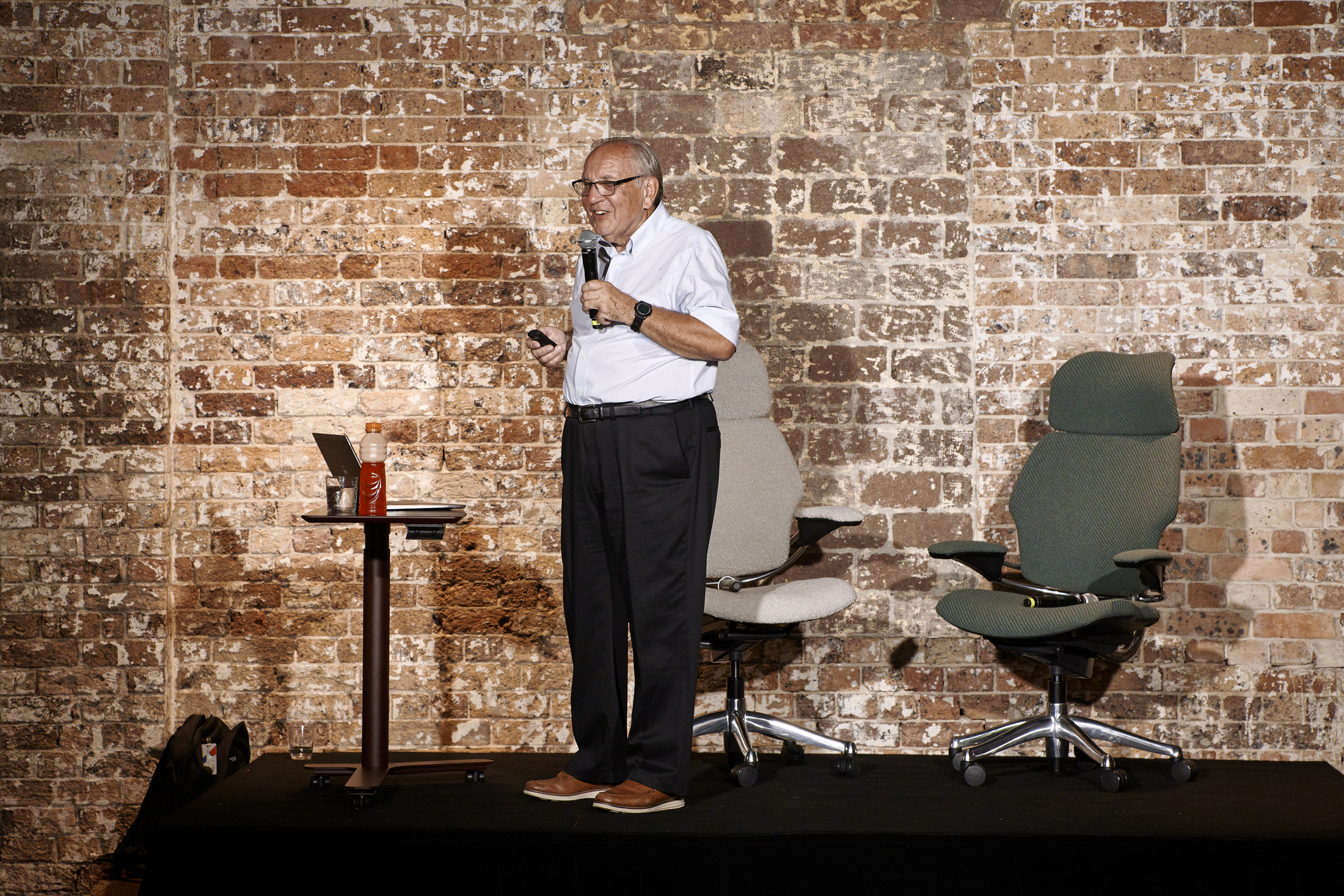
As a content editor, I often see people invest thousands in high-end gear only to remain hunched over it for eight hours straight. Professor Hedge famously uses the metaphor: "Equipment is the stage set, employees are the actors." Even the world’s best ergonomic chair cannot protect you from the effects of total immobility.
The "micro-break" strategy is a behavioral intervention designed to refresh the musculoskeletal system without disrupting workflow.
How to Implement Micro-Breaks:
- The 20-20-20 Rule: Every 20 minutes, look at something 20 feet away for at least 20 seconds. This relaxes the eye muscles.
- Physical Micro-Breaks: Every 30-60 minutes, take 30 seconds to stand up, stretch your chest, and reset your shoulders. These small "interrupters" prevent the build-up of lactic acid and muscle tension.
- Technology as an Enabler: Use software cues or smart desk reminders to prompt movement. The goal is to make movement an unconscious part of the workday rather than a scheduled chore.
Expert Quote: "The human body is designed for movement. When we stop moving, our physiology begins to decline. Ergonomics is about creating a workspace that invites movement back into the professional life." — Professor Alan Hedge
5. Design for Material Health and Biophilia
In the modern office, ergonomics has expanded to include "Material Health." This refers to how the materials in our environment affect our physical well-being—specifically regarding indoor air quality and toxicity. Humanscale has pioneered this movement by focusing on human-centered design that is also environmentally restorative.
What Makes Humanscale Unique? Humanscale furniture is designed with a "net-positive" philosophy. This means that manufacturing the product actually helps the environment rather than just "doing less harm."
- The Liberty Ocean Chair: This is a landmark in sustainable design. It is manufactured using approximately 2kg of reclaimed fishing nets—the most harmful type of ocean plastic. By repurposing this waste into a high-performance task chair, Humanscale addresses both the user's physical health and the planet's ecological health.
- Elimination of "Red List" Chemicals: Many office chairs contain toxic flame retardants or heavy metals. Humanscale has stripped these away, ensuring that the air you breathe while working is free from harmful off-gassing.
- Biophilic Connection: Using materials that feel natural and textures that mimic the organic world can reduce cortisol levels and boost creative thinking.

Conclusion: Building a Future-Proof Ergonomic System
Creating a truly productive workspace is an exercise in synergy. It requires the academic insights of experts like Professor Alan Hedge to understand the why and the engineering excellence of brands like Humanscale to provide the how.
When you prioritize a neutral posture, encourage movement through variability, and select tools built with material health in mind, you are doing more than just buying furniture. You are building a system that protects your most valuable asset: your health. The long-term ROI of a healthy, comfortable workspace is measured not just in dollars saved on healthcare, but in the sustained energy and creativity you bring to your work every day.
As we look toward the future of office design, the lesson is clear: design for the human being first, and the productivity will follow.
FAQ
Q: If I can only upgrade one thing in my office, what should it be? A: According to most ergonomic experts, the chair is your primary interface. Upgrading to a high-quality, intuitive task chair like the Freedom or Liberty Ocean provides the most immediate impact on your posture and long-term musculoskeletal health.
Q: Does standing all day count as good ergonomics? A: No. Standing all day can lead to other issues like varicose veins and lower back strain. The goal of ergonomics is variability. The best approach is to switch between sitting and standing frequently throughout the day.
Q: Why is "passive" recline better than manual adjustment? A: Research by Professor Hedge shows that most people do not know how to adjust manual chairs correctly, leading to "static" sitting. Passive, weight-sensitive recline ensures the chair automatically provides the correct support the moment you sit down, regardless of your size or weight.