For those of us who grew up with the weight of a fountain pen in hand, the digital revolution has always felt a bit... hollow. We’ve traded the scratch of a nib on heavy bond paper for the sterile click of plastic on glass. But a fundamental question remains for the modern professional: Can a digital pen truly replicate the soul of ink? Montblanc, a name synonymous with a century of writing culture, believes the answer lies not in the software, but in the ergonomics of the object itself. Through a landmark collaboration with the design studio Fuseproject, the Montblanc Digital Pen emerges not as a mere stylus, but as a masterpiece of tactile engineering that bridges the gap between the analog past and the digital future.
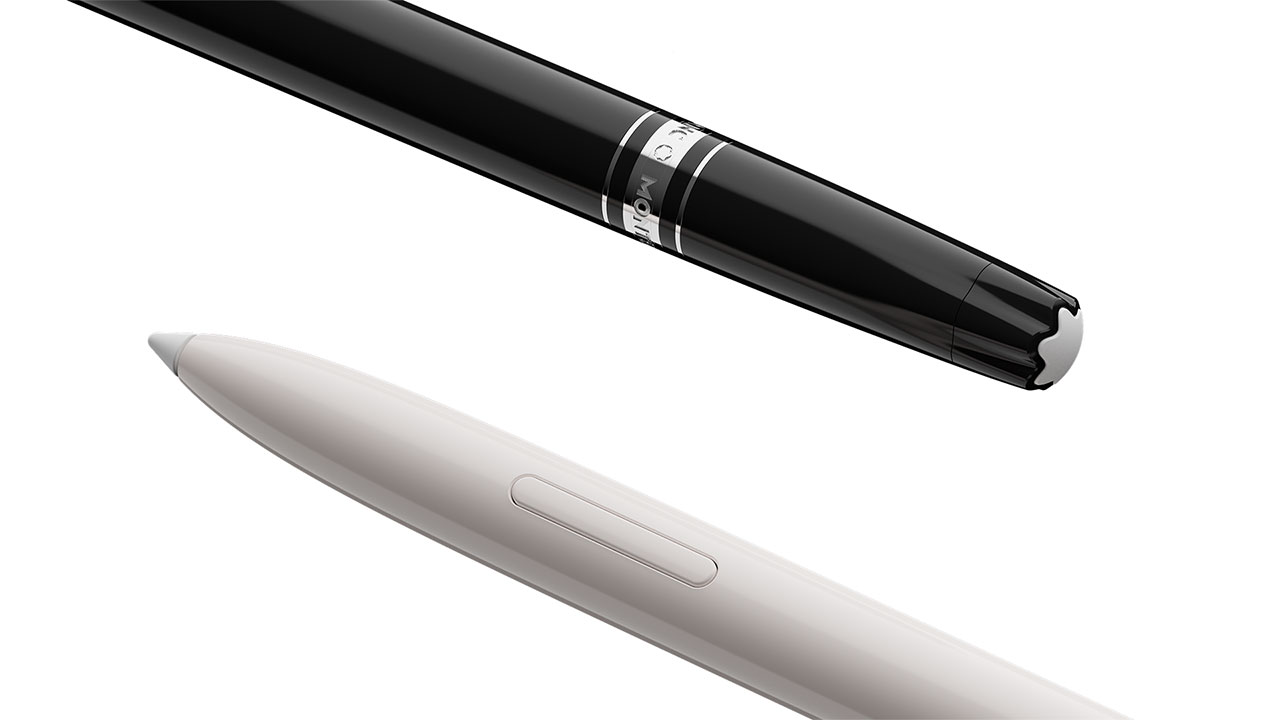
To answer the core question: Yes, the Montblanc Digital Pen feels like ink. It achieves this by eschewing the typical "tech-first" design of modern styluses and instead replicating the bulbous contour, specific weight, and center-of-gravity balance of the iconic Meisterstück model. It isn't just a tool for input; it is a refined instrument designed to provide a familiar, analog tactile experience for the hand.
The Fuseproject Collaboration: Designing the 'Human Touch'
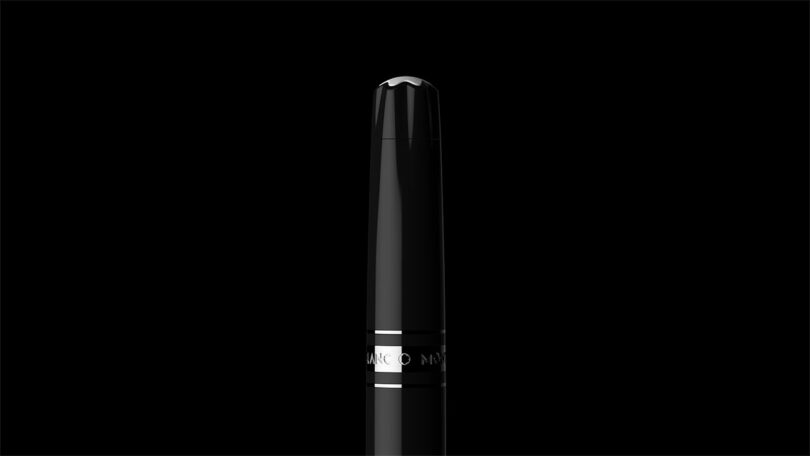
When Montblanc sought to digitize its heritage, they didn't turn to a hardware manufacturer; they turned to Yves Behar and his team at Fuseproject. Behar’s philosophy was clear: to create a "bridge to the future" that honors the past rather than replacing it. The result is a move away from the cold, industrial aesthetics of standard digital pens.
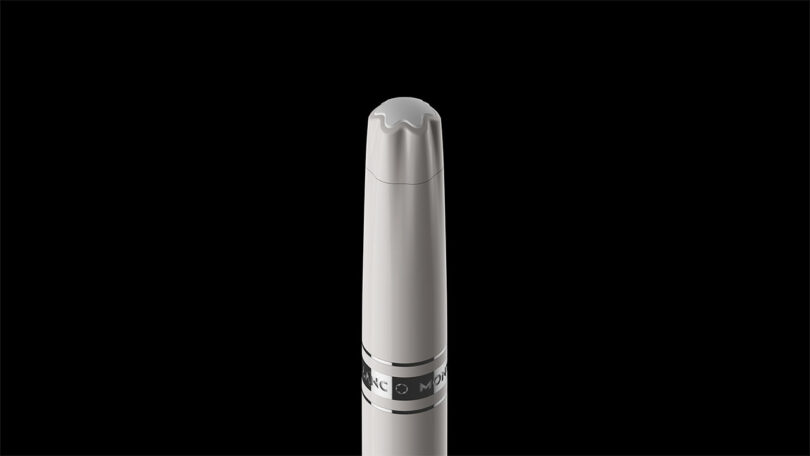
Most styluses on the market feel like tech accessories—they are often too thin, perfectly cylindrical, and made of slippery plastics or aluminum that lack "grip." The Montblanc Digital Pen, however, utilizes a uniform mono-material body. This design choice prioritizes the human hand's natural grip, offering a warmth and friction that mimics a high-end resin barrel. By avoiding the bulky internal circuitry visibility common in tech, Fuseproject ensured the pen remains an object of desire, not just a gadget.
"The goal was to create a tool that feels like an extension of the body, not a peripheral for a computer. We wanted to capture the emotional richness of handwriting." — Yves Behar, Founder of Fuseproject
Engineering the Ergonomics: Why Shape Matters
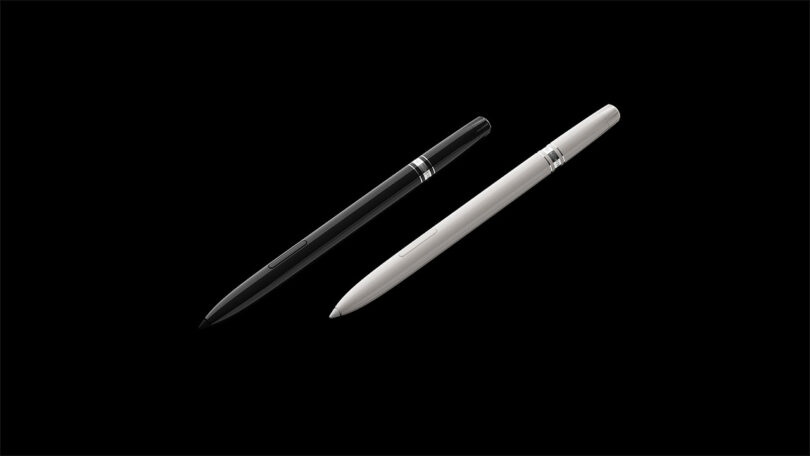
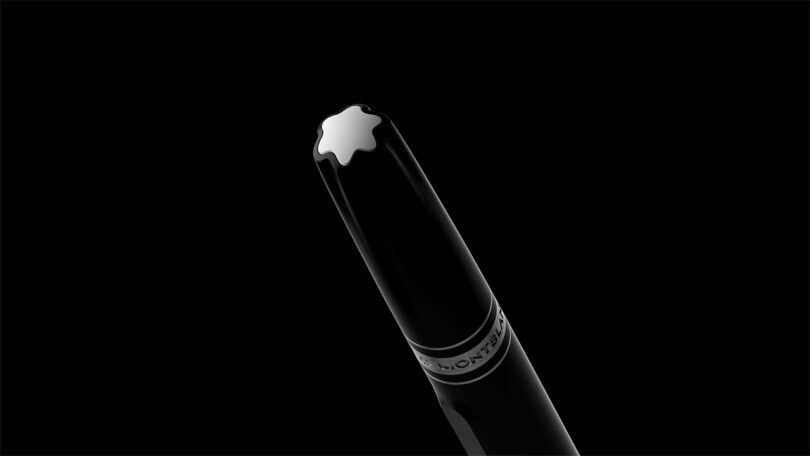
The ergonomics of the Montblanc Digital Pen are not an accident; they are the result of 100 years of iterative design refinement. The Meisterstück profile—the "bulbous contour" that tapers toward the nib and swells slightly in the mid-section—is widely considered the gold standard for long-form writing comfort.
The Physics of Comfort
Standard digital styluses often suffer from being "top-heavy" due to batteries and Bluetooth components located near the eraser end. Montblanc’s engineers carefully distributed the internal weight to mimic the center of gravity of a traditional fountain pen. This ensures that:
- Hand Fatigue is Minimized: The pen sits naturally in the "crook" of the hand.
- Precision is Increased: The weight rests on the paper-facing end, allowing for more controlled strokes.
- Tactile Familiarity: For a long-time Montblanc user, the transition to digital requires zero "re-learning" of how to hold the pen.
The Writing Experience: Haptics and Nibs
What truly sets the Montblanc Digital Pen apart from the Apple Pencil or the Samsung S-Pen is the focus on haptic feedback. Writing on glass is notoriously difficult because there is no friction; your hand slips, leading to messy handwriting and strained muscles.
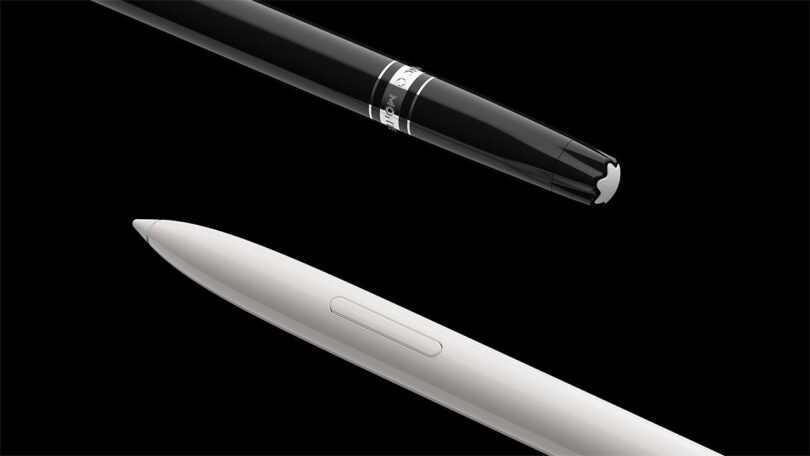
Montblanc solves this through a sophisticated system of 3 interchangeable tips, each calibrated to provide specific resistance against the digital paper’s texture:
- Linen: Mimics the slight "catch" of writing on high-quality stationery.
- Matte: Provides a smooth, toothy feel similar to a soft graphite pencil.
- Smooth: Offers a fluid, fast-gliding experience for quick note-taking.
Furthermore, the pen features a specialized Calligraphy Mode. In this mode, the digital ink responds to the pressure and tilt of the pen, allowing for the varying line widths that make fountain pen writing so visually stunning. Whether you are sketching with the pencil function or drafting a letter, the pen provides a sensory richness that tech-heavy competitors often ignore.
The Montblanc Digital Paper Suite: More Than Just a Stylus
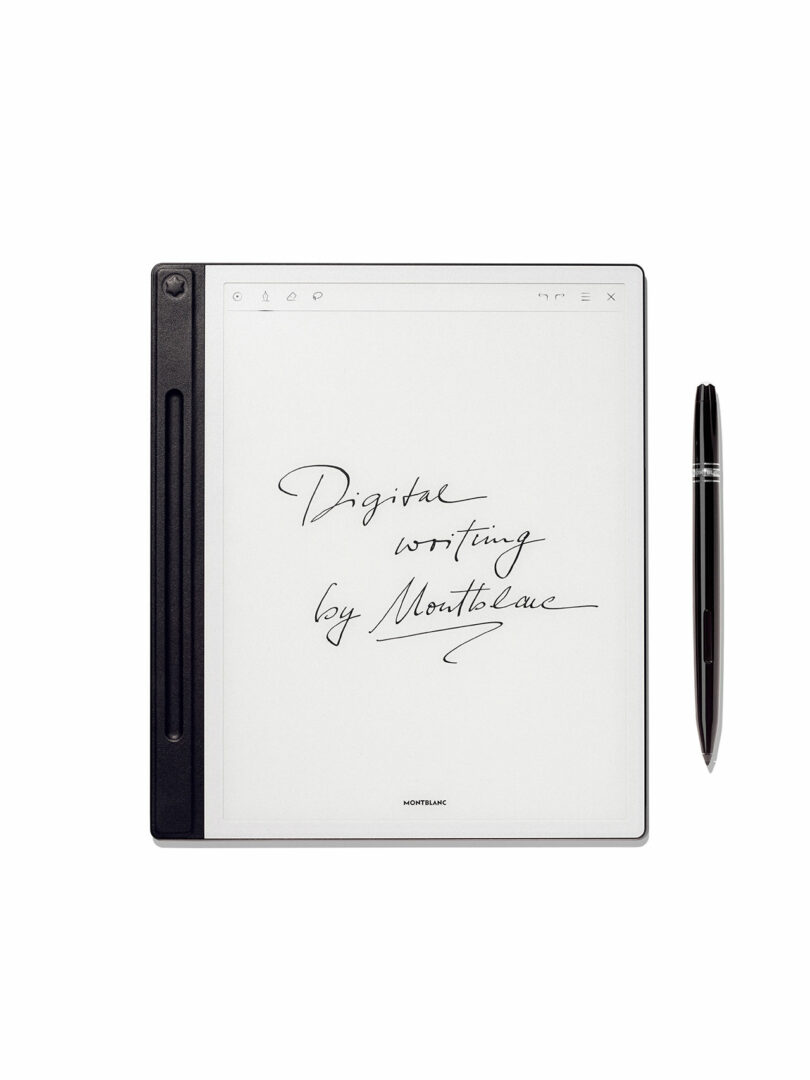
The pen is only half of the story. To achieve the "ink-on-paper" feeling, it must be paired with the Montblanc Digital Paper Suite. This isn't a traditional tablet screen; it’s a high-precision electromagnetic resonance (EMR) surface encased in fine Italian leather.
Can the Montblanc Digital Pen convert handwriting to text? Absolutely. Using the Montblanc Hub app, the system utilizes advanced OCR (Optical Character Recognition) to translate your handwritten notes into searchable, digital text in up to 12 languages. This makes it an invaluable tool for executives who prefer the focus of analog writing but need the efficiency of digital filing.
| Feature | Montblanc Digital Paper | Standard Tablets |
|---|---|---|
| Surface Feel | Textured, paper-like friction | Smooth, slippery glass |
| Battery Life | Weeks of standby time | 10-12 hours average |
| Privacy | Encrypted, password-protected | Cloud-integrated, often open |
| Distraction | Writing-focused, no notifications | Constant app interruptions |
Comparison: Montblanc vs. Apple Pencil vs. Remarkable
It is important to understand where the Montblanc Digital Pen fits in the market. This is not an "iPad killer." If you want to edit video or play high-end games, this isn't the tool for you. However, for the connoisseur, the differences are stark.
- Apple Pencil: Highly responsive but lacks ergonomic variety. Its weight distribution is clinical, and the sensation of plastic-on-glass can be jarring for those used to luxury pens.
- Remarkable: A fantastic tool for "distraction-free" writing, but it lacks the premium weight and "mono-material" luxury feel of the Montblanc. The Remarkable feels like a high-end gadget; the Montblanc feels like an heirloom.
- Montblanc: It sits in a niche of "Notebook Evolution." It is designed for the person who values the act of writing as much as the result. It is about the ritual—the unscrewing of the cap, the weight in the palm, and the specific resistance of the nib.
Conclusion: Is it Worth the Investment for Connoisseurs?
The Montblanc Digital Pen is a rare example of technology that doesn't demand you change your habits. Instead, it adapts to the human hand. By prioritizing ergonomics over raw processor speed, and tactile feedback over "all-in-one" functionality, Montblanc and Fuseproject have created something unique: a digital tool that possesses an analog soul.
If you are a writer, a designer, or a professional who finds their best ideas flow through the tip of a pen rather than a keyboard, this is the ultimate upgrade. It provides the security and organization of the digital age without sacrificing the visceral joy of a Meisterstück.
FAQ
Does the Montblanc Digital Pen work on any screen? No, the Montblanc Digital Pen is designed specifically to work with the Montblanc Digital Paper suite using EMR technology. It will not function as a standard stylus for an iPad or iPhone.
How often do the nibs need to be replaced? The frequency depends on your writing style and the pressure used. Generally, a single nib lasts several months of daily use. The pen comes with a set of replacements, including different textures (Linen, Matte, Smooth).
Is the handwriting-to-text conversion accurate? Yes, the OCR technology used in the Montblanc Hub app is highly sophisticated. Even for those with "doctor's handwriting," the system is surprisingly adept at identifying characters and converting them into searchable PDF or Word documents.