Imagine it is 3:00 PM on a Tuesday. You are sitting in a chair that cost more than your first car’s down payment, yet your lower back is throbbing, and a dull tension is creeping up your neck. You’ve adjusted the lumbar support five times today, but the relief is fleeting.
This is the hidden frustration of the modern home office. Most people approach ergonomics as a shopping list of isolated items—a "good" chair, a "fancy" desk, a "big" monitor. In reality, ergonomics is a complex system problem where every component—desk height, chair depth, and monitor placement—interacts in a closed circuit. If you change one variable, you must recalibrate the others to maintain proper posture. If your desk is too high, your chair’s high-end armrests become useless. If your monitor is too low, no amount of lumbar support will save your cervical spine from the dreaded "Tech Neck."
To achieve a pain-free workday in 2025, you need to stop looking at products and start looking at the geometry of your workspace.
The Surface: Setting the Foundation with the Right Desk
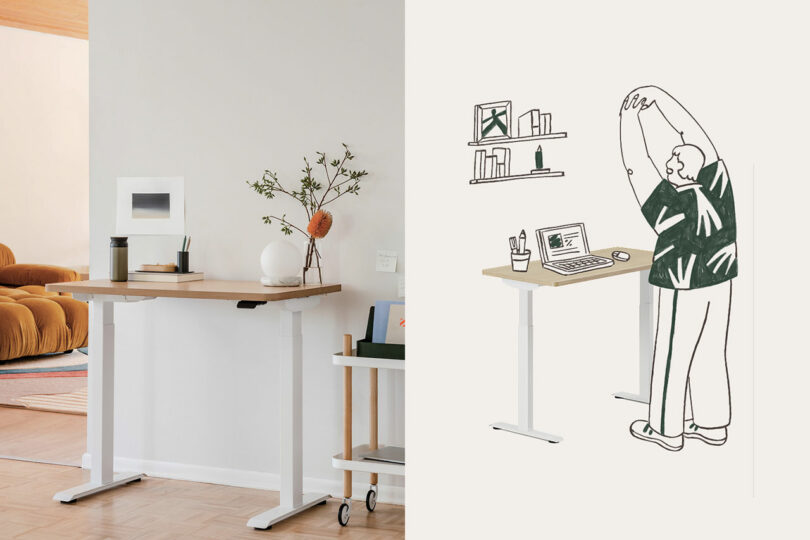
The desk is the "ground" of your ergonomic circuit. Traditionally, we were told to find a desk and stay there, but the modern consensus among kinesiologists is that "the best posture is your next posture." This is why height-adjustable desks (HADs) have transitioned from luxury items to essential tools for the long-term health of remote professionals.
A high-quality standing desk serves two purposes: it allows you to transition between sitting and standing to reduce sedentary risk, and it allows for micro-adjustments of a few millimeters that fixed-height desks simply cannot offer. When shopping for the best ergonomic desk setup in 2025, look for dual-motor systems. Single-motor desks often struggle with "stuttering" under heavy loads, whereas dual-motor options like the FlexiSpot E6 or the Branch Duo Standing Desk provide a smooth, whisper-quiet lift that won't topple your coffee.
Stability is the often-overlooked metric here. A desk that wobbles at 42 inches high will cause you to tense your shoulders subconsciously as you type, negating the benefits of standing. Look for reinforced T-style legs and a weight capacity of at least 200 lbs.
Pro-Tip: If you’re looking to upgrade your surface, the Branch Sale of the Year (running Nov 5 – Dec 3) offers 15% off sitewide. It is arguably the best window of the year to secure a commercial-grade standing desk at a consumer price point.
The Seat: How to Calibrate Your Throne for 8+ Hours
Once your surface is set, the chair must be calibrated to bridge the gap between your body and the desk. Most users make the mistake of adjusting their chair to feel "comfy" in the first five minutes. True ergonomic support, however, is about sustained alignment over eight hours.
The calibration process should follow the "90-Degree Rule." To calibrate an ergonomic chair correctly, set the seat height so your feet are flat on the floor and your thighs are parallel to the ground. This ensures that your weight is distributed through your feet and seat, rather than putting undue pressure on your hamstrings.
Equally critical is the seat pan depth. You should leave two to three fingers of space between the edge of the seat and the back of your knees. If the seat is too deep, it will cut off circulation to your lower legs; if it’s too shallow, it won't provide enough thigh support to keep your pelvis neutral.
The Middle-Market Hero: Branch Ergonomic Chair Pro Review
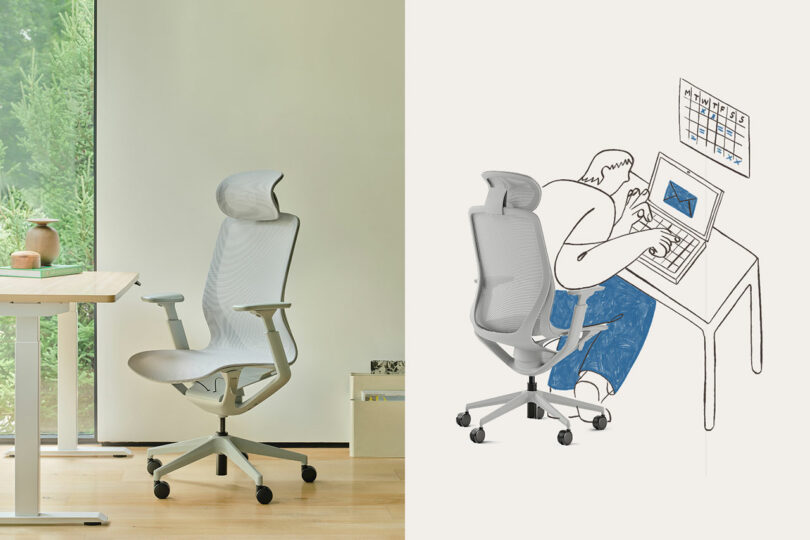
In the world of home appliances and office gear, we often see a "barbell" market: cheap, disposable chairs under $200 at one end, and $1,800 "design icons" at the other. The Branch Ergonomic Chair Pro has emerged as the most significant disruptor in this space.
After testing the Pro against premium competitors, my assessment is clear: the Branch Ergonomic Chair Pro provides approximately 80-90% of the ergonomic performance and adjustability of premium brands like Herman Miller or Steelcase at roughly one-third of the price.
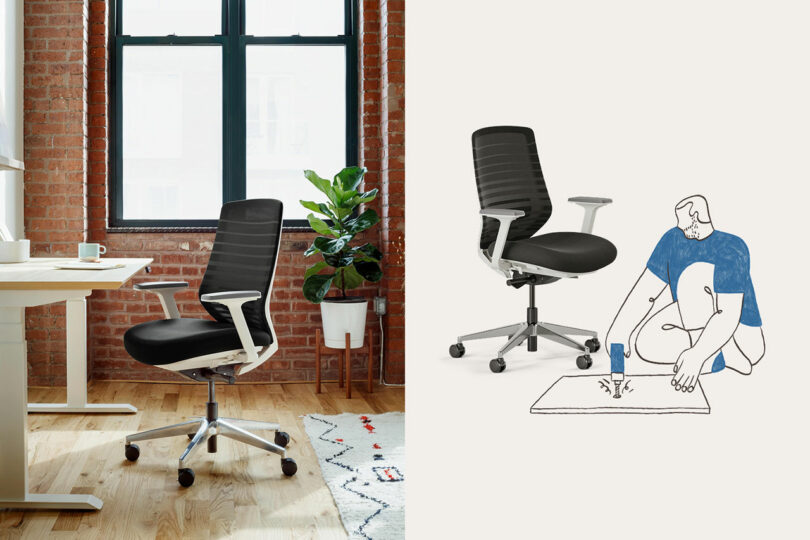
The "Pro" designation isn't just marketing fluff. It features 14 points of adjustment, including 4D armrests (height, width, depth, and pivot) and a sophisticated weight-sensitive recline mechanism. While cheaper chairs use a simple tension knob, the Branch Pro uses a synchro-tilt mechanism that keeps your feet on the floor while you recline, maintaining the "90-degree" integrity of your posture even when you're taking a call in a relaxed position.
Investment Hack: During the current sale season, you can find bundle deals that pair a chair and desk for up to 20% off. This significantly reduces the cost barrier to a high-quality integrated ergonomic workspace, bringing a professional-grade setup down to a price point previously reserved for entry-level furniture.
The Final Link: Eye-Level Alignment and Monitor Arms
You can have the best chair in the world, but if your monitor is sitting on a stack of books or directly on your desk, you will inevitably lean forward. This "lean" pulls your spine out of the lumbar support you just paid for.
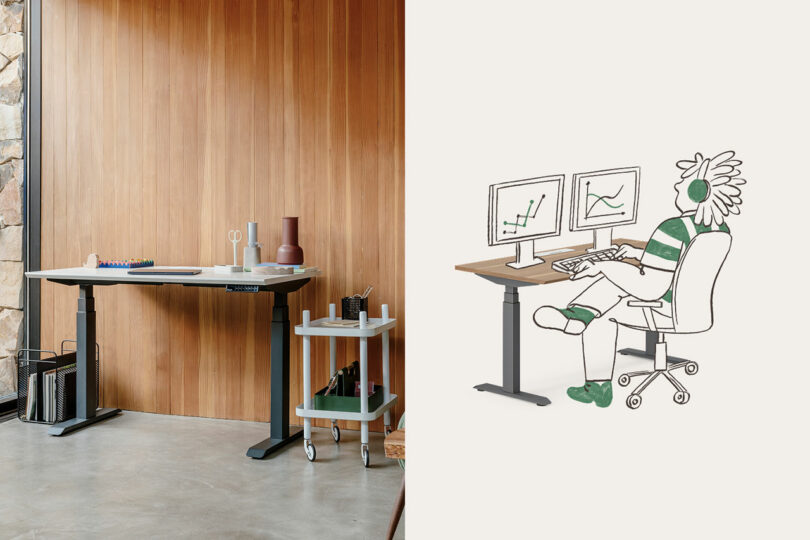
The "Arm's Length" rule is the gold standard: your screen should be roughly 20 to 30 inches from your eyes. The top third of the monitor should be at eye level, allowing your gaze to fall naturally in the center of the screen without tilting your head down.
Using a dedicated monitor arm, like the Ergotron LX or the Branch Monitor Arm, is the only way to solve the "Depth Deficit." These arms allow you to pull the screen closer or push it back depending on whether you are sitting or standing, ensuring the "circuit" remains closed regardless of your position.
Investment Analysis: Premium vs. Performance Value
When evaluating an office chair, I always look at the "cost per hour of use" over a five-year lifespan. While the initial sticker price can be jarring, the long-term value of a chair that prevents chronic back pain is immense.
| Feature | Branch Ergonomic Chair Pro | Premium Brands (Herman Miller/Steelcase) |
|---|---|---|
| Warranty | 7 Years | 12 Years |
| Weight Capacity | 275 lbs | 300 - 350 lbs |
| Adjustment Points | 14 | 10 - 15 |
| Price Point | ~ $500 | $1,200 - $1,900 |
| Sustainability | Removable parts for repair | High recycling content |
If you break down the cost of a $500 Branch chair over its 7-year warranty, you are paying roughly 19 cents per workday. Compare that to the cost of a single session of physical therapy for a repetitive strain injury, which can run upwards of $150. Investing in high-performance equipment is not a luxury; it’s a preventative health measure that costs less than your morning coffee.
Common Setup Blunders to Avoid
Even with the right gear, I see users fall into these three "ergonomic traps" constantly:
- Locking the Recline: Many people think "sitting up straight" means locking the chair at a 90-degree angle. In reality, a slight recline of 100 to 110 degrees is much better for spinal pressure, as it transfers some of your upper body weight to the chair's backrest.
- The "Monitor Too High" Trap: While "Tech Neck" comes from looking down, looking too far up causes tension headaches and eye strain. Always aim for that "top third at eye level" rule.
- Forgetting the Floor: If you are using a standing desk, your feet need support too. Using an anti-fatigue mat encourages "micro-movements" in your calves, which aids circulation and prevents that heavy-leg feeling after a long session.
FAQ
Is an ergonomic chair worth it for short sessions (1-2 hours)? Yes. While the damage is cumulative, even short sessions in a poorly designed chair can lead to "micro-traumas" in the soft tissue. A high-quality chair encourages proper habits that carry over into the rest of your day.
Mesh vs. Foam: Which is better for long-term support? Mesh (like on the Branch Pro) offers superior breathability and even weight distribution, which is ideal for those who "run hot." Foam offers a more traditional "cradled" feel but can lose its shape over many years if the density is low. For a home office, mesh is generally the lower-maintenance choice.
How often should I alternate between sitting and standing? The ideal ratio is the "20-8-2" rule: 20 minutes of sitting, 8 minutes of standing, and 2 minutes of moving/stretching. You don't need to stand for four hours straight; frequent transitions are far more effective.
The Bottom Line
True ergonomic support isn't found in a single product—it’s found in the relationship between your chair, your desk, and your screen. By treating your workspace as an integrated system, you stop managing pain and start optimizing performance. Whether you are upgrading to a standing desk or finally investing in a chair with 4D adjustability, remember that you aren't just buying furniture; you’re buying back your health, one workday at a time.