We have all seen those pristine YouTube setups and high-end executive home offices where the video quality looks less like a grainy Zoom call and more like a scene from a Netflix documentary. For a long time, achieving that "cinematic" look required a complicated mess of dummy batteries, HDMI capture cards, and a thousand-dollar mirrorless camera perched precariously on a tripod behind your monitor.
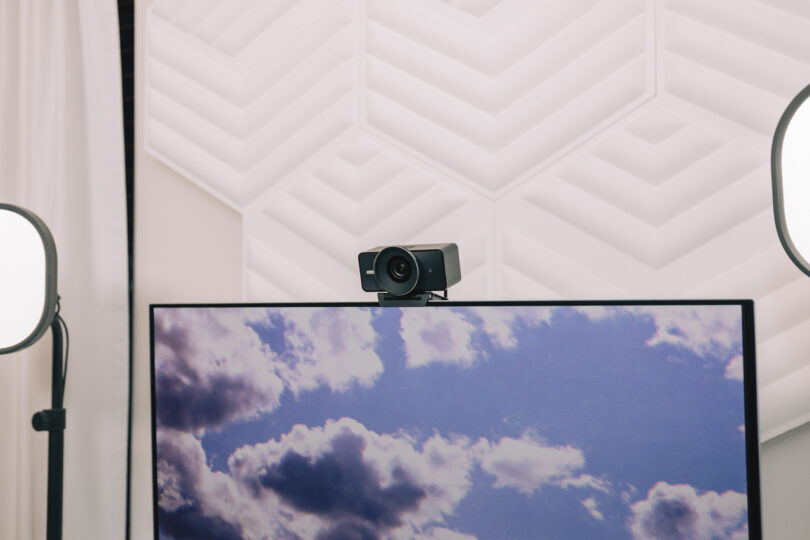
The Elgato Facecam 4K changes that equation. By pairing a massive 1/1.8-inch Sony STARVIS 2 sensor with a feature rarely seen in the webcam world—a native 49mm lens filter thread—it bridges the gap between plug-and-play simplicity and professional cinematography. Whether you are a creator looking to elevate your brand or a professional wanting to command presence in a virtual boardroom, the "workspace aesthetic" is no longer just about your desk mat and RGB strips; it is about the glass in front of your sensor.
How do I make my Elgato Facecam 4K look cinematic? To achieve a cinematic look, utilize the 49mm filter thread to attach ND filters for natural motion blur or polarizing filters to reduce glare. Complement the hardware by using the Elgato Camera Hub software to manually lock your shutter speed to the "180-degree rule" (double your frame rate) and keep your ISO as low as possible to eliminate digital noise.
The Hardware Game-Changer: The 49mm Filter Thread
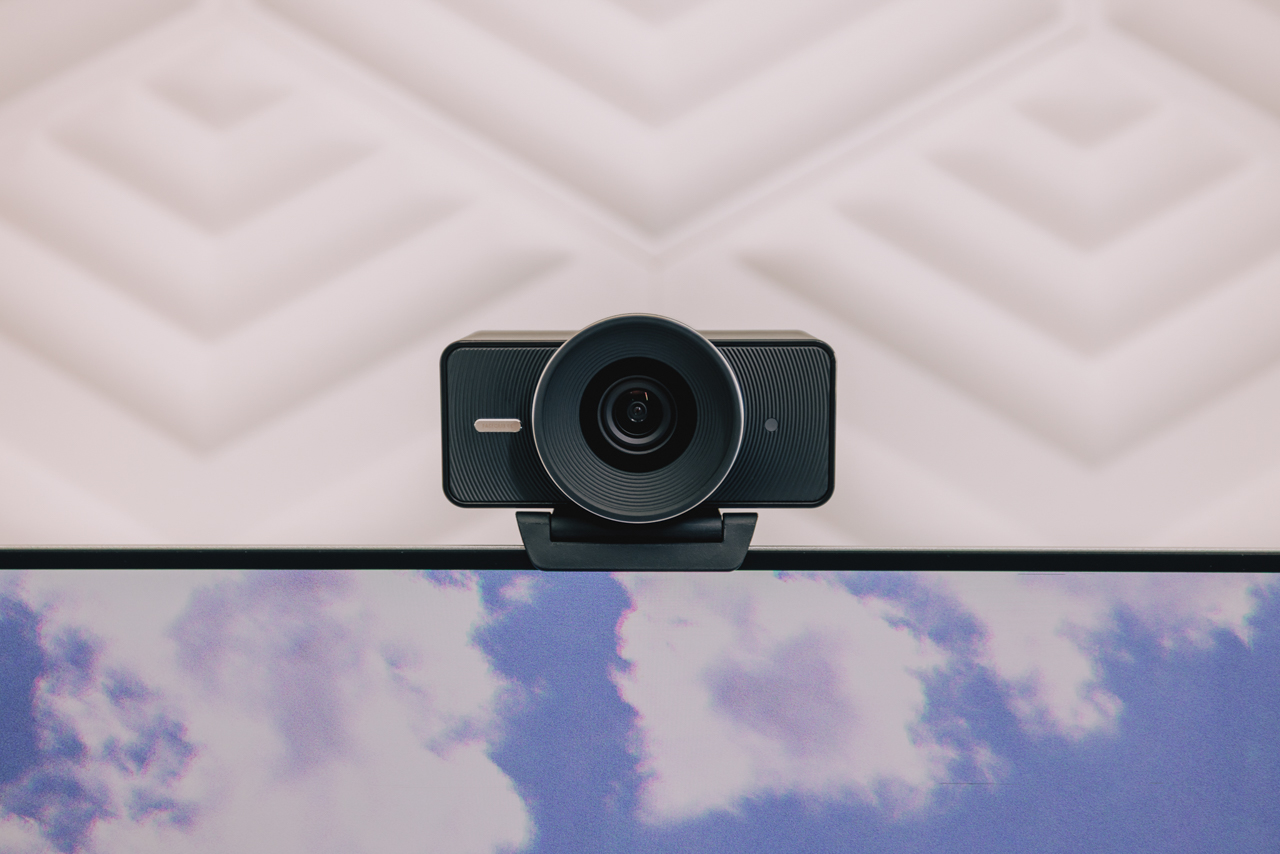
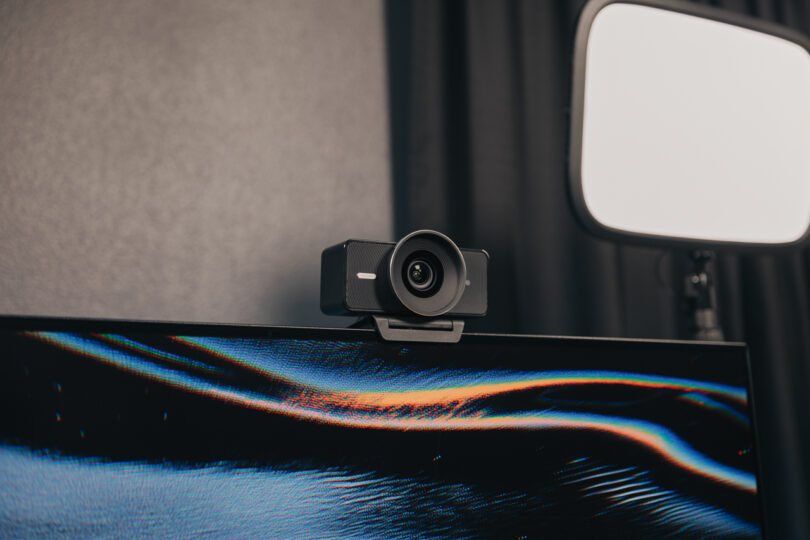
In the world of smart home tech and automation, we often look for "frictionless" solutions. Usually, webcams are the definition of frictionless—you plug them in, and they just work. However, that convenience usually comes at the cost of optical control. The Elgato Facecam 4K breaks this mold by including a dedicated 49mm filter thread hidden behind its detachable lens cap.
This is a rarity in the $200 webcam market. Most competitors use fixed plastic or glass covers that offer no way to modify the incoming light before it hits the sensor. The Facecam 4K, however, treats its lens like a professional photography tool. Combined with the 1/1.8-inch Sony STARVIS 2 sensor, which is significantly larger than the sensors found in standard laptops or budget webcams, you have a device capable of capturing true 4K resolution at 60 frames per second with impressive low-light performance.
While a full DSLR setup can easily run you $1,200 to $2,000 once you factor in lenses and capture cards, the Facecam 4K offers a "pro-sumer" middle ground. You get the 4K60 fidelity and the ability to use professional glass filters without the heat issues or complexity of a traditional camera.
Choosing Your Cinematic Glass: Standard Photography Filters
The term "cinematic" is often thrown around as a buzzword, but in technical terms, it usually refers to three things: controlled highlights, natural motion blur, and a lack of "digital" harshness. This is where the 49mm filters come into play. Because the Facecam 4K uses a standard size, you can buy filters from reputable photography brands like PolarPro, Tiffen, or Hoya.
- Neutral Density (ND) Filters: Think of these as sunglasses for your webcam. If you have a very bright room, your webcam will naturally try to compensate by increasing the shutter speed, which makes movement look choppy and "robotic." An ND filter allows you to keep your shutter speed low even in bright light, resulting in smooth, natural motion.
- Circular Polarizers (CPL): If you wear glasses or have a polished mahogany desk, glare is your enemy. A CPL filter allows you to "dial out" reflections by rotating the filter, making your eyes visible through your glasses and removing distracting light bounces from your monitors.
- Mist/Diffusion Filters: Modern 4K sensors can sometimes be too sharp, highlighting every skin imperfection and making the image look clinical. A "1/4 Black Mist" filter creates a subtle glow around highlights and slightly softens the image, giving it a dreamy, high-end filmic quality.
What filter size does the Elgato Facecam 4K use? The Elgato Facecam 4K features a unique 49mm filter thread, allowing users to attach standard photography-grade lens filters such as ND, CPL, or color filters directly to the webcam.
Software Mastery: Pro-Level Controls in Elgato Camera Hub
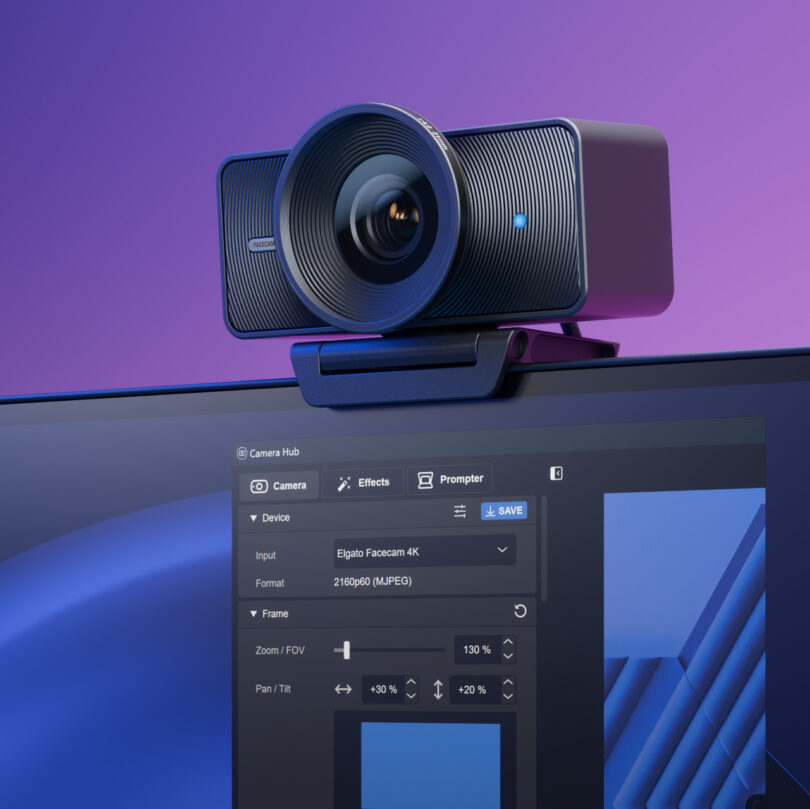
Hardware is only half the battle. If you leave your Facecam 4K on "Auto" settings, the software will constantly fight against your filters. To get that cinematic workspace aesthetic, you need to dive into the Elgato Camera Hub.
The biggest mistake users make is letting the camera decide the exposure. In a cinematic workflow, "Auto" is the enemy of consistency. If you move your hands or wear a white shirt, an auto-exposure setting will cause the background to flicker or dim.
To explain ISO to non-photographers, I often use the "Microphone Gain" analogy:
- ISO is to light what Gain is to sound.
- If you turn your mic gain up too high, you get a "hiss" or static in your audio.
- If you turn your ISO up too high, you get "noise" or grain in your video.
To keep your image clean, you want to keep your ISO as low as possible (ideally under 800 or 1,000) and use actual physical lights to brighten your face.
Manual vs. Automatic: The Cinematic Configuration
| Setting | Automatic (Default) | Manual (Cinematic) | Why it matters |
|---|---|---|---|
| Shutter Speed | Varies based on light | Locked (1/120s for 60fps) | Prevents "choppy" movement |
| ISO | Jumps around, causing grain | Locked as low as possible | Ensures a clean, noise-free image |
| White Balance | Can shift from blue to orange | Locked to your light source | Keeps skin tones consistent |
| Focus | May "hunt" for your eyes | Locked or limited range | Prevents the background from "pulsing" |
By locking these settings, you ensure that every time you join a call, your video looks identical. The Facecam 4K even features onboard memory, meaning once you save these settings in Camera Hub, they stay on the camera itself. You can plug it into a different computer, and your cinematic look remains intact.
Lighting the Scene: The Secret to High Dynamic Range
You could have a $50,000 Hollywood camera, but without good light, the image will look flat. For a workspace aesthetic, the goal is to create "dimension." This means moving away from the single overhead light in your room, which casts harsh shadows under your eyes.
- The Key Light: This is your main light source, ideally placed at a 45-degree angle to your face. Use a softbox or a dedicated Elgato Key Light to diffuse the glow so it doesn't look harsh.
- The Fill Light: A softer, dimmer light on the opposite side to gently lift the shadows.
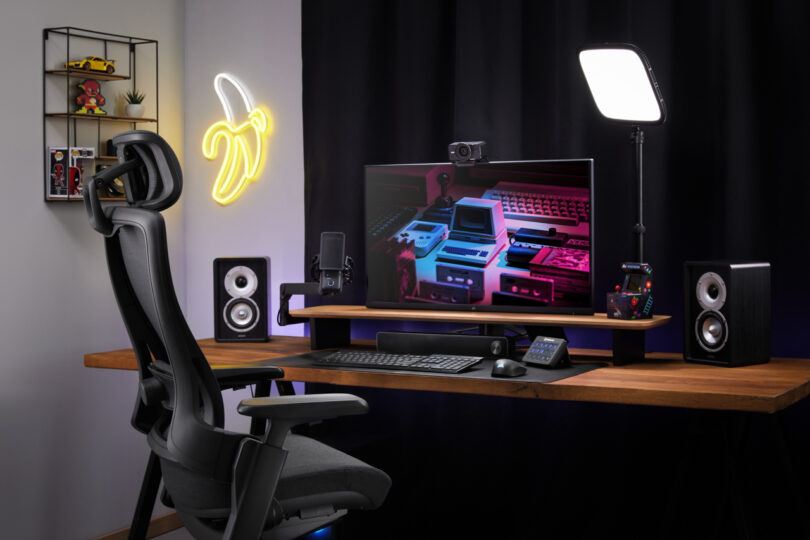
- The Practical Lights: These are the "aesthetic" lights—the RGB strips, the warm desk lamp, or the neon sign in the background. They add depth to your room and make the space feel three-dimensional.
The Facecam 4K supports HDR (High Dynamic Range) at up to 4K30 resolution. This is incredibly useful if you have a window in your background. HDR prevents the window from looking like a white "blob" of light, allowing you to see the details of the world outside while keeping your face properly exposed.
Furthermore, for those who want that "blurred background" (bokeh) look without buying a $500 f/1.4 lens, the Facecam 4K integrates seamlessly with NVIDIA Broadcast. Using the AI cores on your RTX GPU, it can blur your background with surprising accuracy, mimicking the shallow depth of field of a high-end cinema camera.
Advanced Workflow: Onboard Memory and Virtual Camera
One of the most underrated features of the Elgato ecosystem is the Virtual Camera functionality. When you run the Facecam 4K through Camera Hub, you can apply effects, zoom in (thanks to the 4K sensor, you can crop in significantly without losing 1080p quality), and adjust colors in real-time.
Instead of selecting "Elgato Facecam 4K" in Zoom or Microsoft Teams, you select "Elgato Virtual Camera." This acts as a bridge, ensuring that all your manual tweaks, filters, and AI background blurs are passed through to whatever app you are using.
If you frequently switch between a work laptop and a personal gaming rig, the onboard memory is a lifesaver. You can set your "Cinematic Profile" on your main PC, and the camera will "remember" your ISO and White Balance limits when you plug it into your work-issued MacBook. It is true automation for the visual professional.
FAQ
What are the key specs of the Elgato Facecam 4K? The Facecam 4K is equipped with a 1/1.8-inch Sony STARVIS 2 sensor that supports true 4K resolution at 60 frames per second. It features an f/2.0 aperture, an 84-degree field of view, and integrated onboard memory to save your settings directly to the device.
Does the Facecam 4K have a built-in microphone? No, and this is intentional. Elgato designed the Facecam 4K for professionals who likely already use a dedicated USB or XLR microphone (like the Wave:3). By omitting a cheap internal mic, they maximized the internal space for the high-end sensor and heat management.
What is the focus range of the Facecam 4K? The camera features a high-quality autofocus system with a range of 30cm to 120cm (approx. 12 to 47 inches), which is optimized for standard desk distances. It can also be locked to a manual focus if you want to ensure it never "hunts" during a presentation.
Final Thoughts: The Future of the Desktop Studio
Achieving a cinematic workspace aesthetic is no longer about having the most expensive gear; it’s about having the smartest gear. The Elgato Facecam 4K represents a shift toward a more intentional way of working and creating. By giving users access to photography-standard 49mm filters and granular software control, Elgato has turned the humble webcam into a legitimate tool for digital expression.
If you are ready to move past the "webcam look" and into something more professional, start by locking your settings in Camera Hub and experimenting with an ND or Mist filter. You will find that it isn't just about looking better on screen—it's about the confidence that comes with knowing your digital presence is as polished as your physical workspace.